Signing up for Making Tax Digital for Income Tax (MTD) is usually something you or your agent has to do, even if you’ve sent Self Assessment returns for years. HMRC has been writing to people it thinks are in scope, and a letter doesn’t sign you up. From September 2026, HMRC also began signing up people who should already be using MTD but haven’t registered. If HMRC has signed you up, check your details are right and connect your software.
Choose your software first, then sign up on GOV.UK and connect the two.
Who needs to sign up, and when
You need to sign up if your qualifying income, which is your gross self-employment and property income before expenses, is over the threshold for your group:
| Qualifying income | Tax year HMRC looks at | MTD starts |
|---|---|---|
| Over £50,000 | 2024/25 | 6 April 2026 |
| Over £30,000 | 2025/26 | 6 April 2027 |
| Over £20,000 | 2026/27 | 6 April 2028 |
If you were in the first group, you should already be signed up. If you’re in the April 2027 or April 2028 group, you can sign up now, ahead of your start date. You can also join voluntarily if your income is below the thresholds. The MTD deadlines guide has every date.
What you need before you start
- Government Gateway user ID and password. The same ones you use for your personal tax account.
- National Insurance number. To verify your identity.
- Unique Taxpayer Reference (UTR). Found on your previous tax returns or HMRC letters.
- Business start date. The date you began trading or receiving rental income.
- HMRC-recognised software. Choose this first. Our guide to choosing MTD software explains what to check.
The 5-step sign-up process
- Check your qualifying income. Add up your gross self-employment and property income, before expenses, for the tax year in the table above. Your Self Assessment return has the figures.
- Choose your software. Pick HMRC-recognised software that suits how you work. HMRC publishes a list of compatible software.
- Start the sign-up on GOV.UK. Use HMRC’s guidance on how to sign up for Making Tax Digital for Income Tax and sign in with your Government Gateway details.
- Confirm your business details. HMRC will ask you to confirm your trade name, address and the nature of your business.
- Authorise your software. This gives your software permission to connect to HMRC. Do it before your first quarterly update is due.
Accountants and exemptions
If you use an accountant, they can sign you up as your agent.
If it isn’t reasonably practical for you to use digital tools because of your age, disability or where you live, or because of your religious beliefs, you can apply to HMRC for an exemption. HMRC also offers Welsh-language services if you’d prefer to deal with it in Welsh.
After you’ve signed up
Once you’re signed up, you keep digital records, send a quarterly update every three months and send your tax return after the year ends. For 2026/27, the remaining quarterly deadlines are 7 November 2026, 7 February 2027 and 7 May 2027.
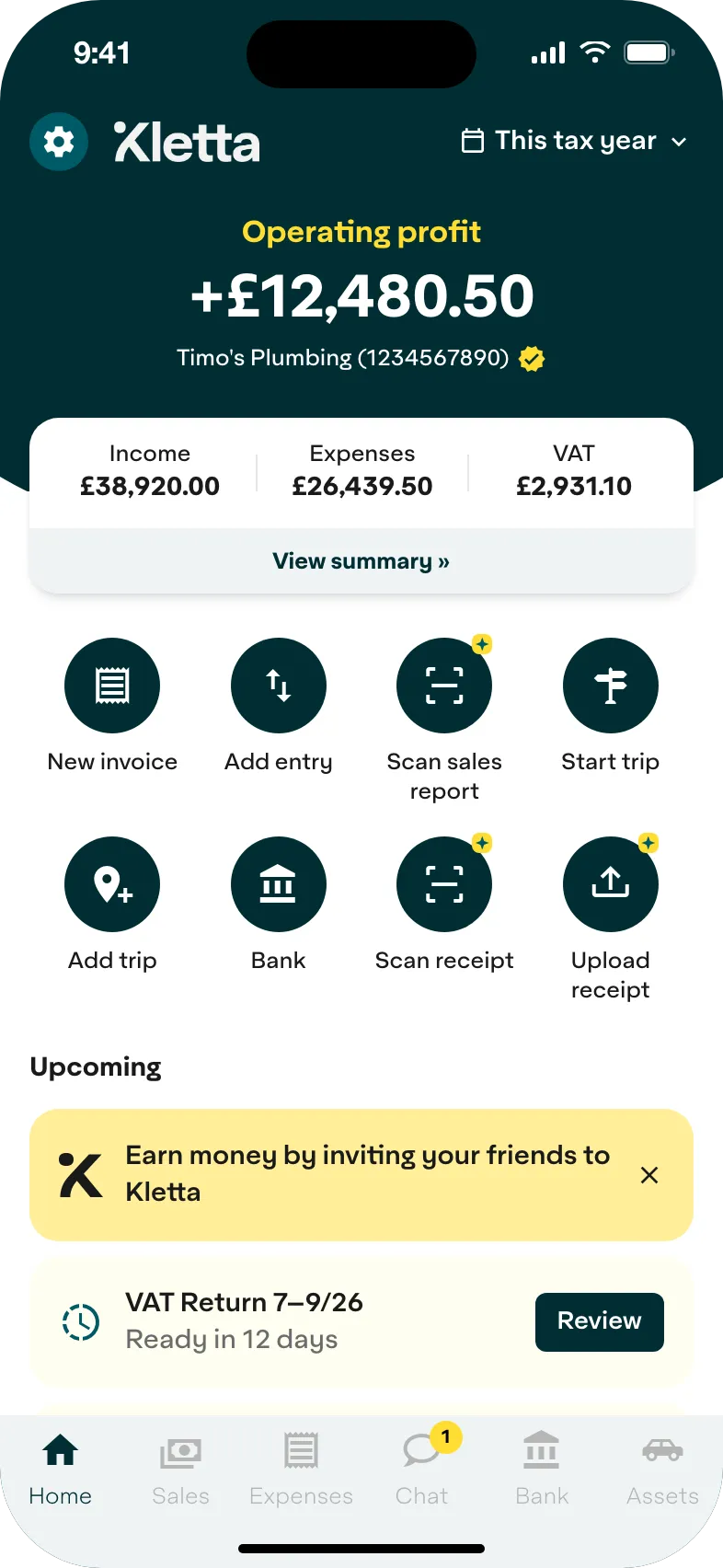
Kletta is HMRC-recognised Making Tax Digital software for sole traders. Keeping your books and building your tax return is free. You pay only when you’re ready to send to HMRC (see pricing). Not in Making Tax Digital yet? Get Kletta Duo free until your first Making Tax Digital deadline.