A good contractor invoicing app shows the Construction Industry Scheme (CIS) deduction on every invoice, so your invoices, your records and your tax return all agree. It should also let you quote and invoice from your phone, and keep your mileage and receipts as you go.
This post is for CIS subcontractors: joiners, plasterers, groundworkers, electricians, plumbers and handymen who are paid by a contractor. If you pay subcontractors yourself, you are the contractor and have extra duties, such as monthly returns to HMRC. This post does not cover those.
How CIS deductions work on an invoice
When a contractor pays you under CIS, they take a deduction and pass it to HMRC. The rate depends on your status, according to GOV.UK:
| Your status | Deduction |
|---|---|
| Registered for CIS, and the contractor can verify you | 20% |
| Not registered, or the contractor cannot verify you | 30% |
| Gross payment status | 0%, and you pay all your own tax |
The deduction comes off the labour part of your invoice only. Contractors do not deduct from VAT, from materials you paid for directly, from plant hired for the job, or from the other costs HMRC lists.
Here is a job invoiced at £1,500, made up of £1,000 of labour and £500 of materials you bought and paid for yourself:
- At 20%, the deduction is £200 (20% of the £1,000 labour), so the contractor pays you £1,300.
- At 30%, the deduction is £300, so the contractor pays you £1,200.
Your contractor may ask for receipts for the materials. If you cannot show them, the contractor estimates the cost instead, so keep every receipt.
The contractor pays you on their own payment cycle, with the deduction already taken. Each month they must give you a payment and deduction statement. Keep every one and check it against your own invoices, because HMRC may ask for evidence of your deductions.
Quote and invoice from your phone
You win more jobs by sending a quote before you leave the site. Once the work is done, you turn the quote into an invoice and send it the same day, rather than saving the paperwork for the weekend.
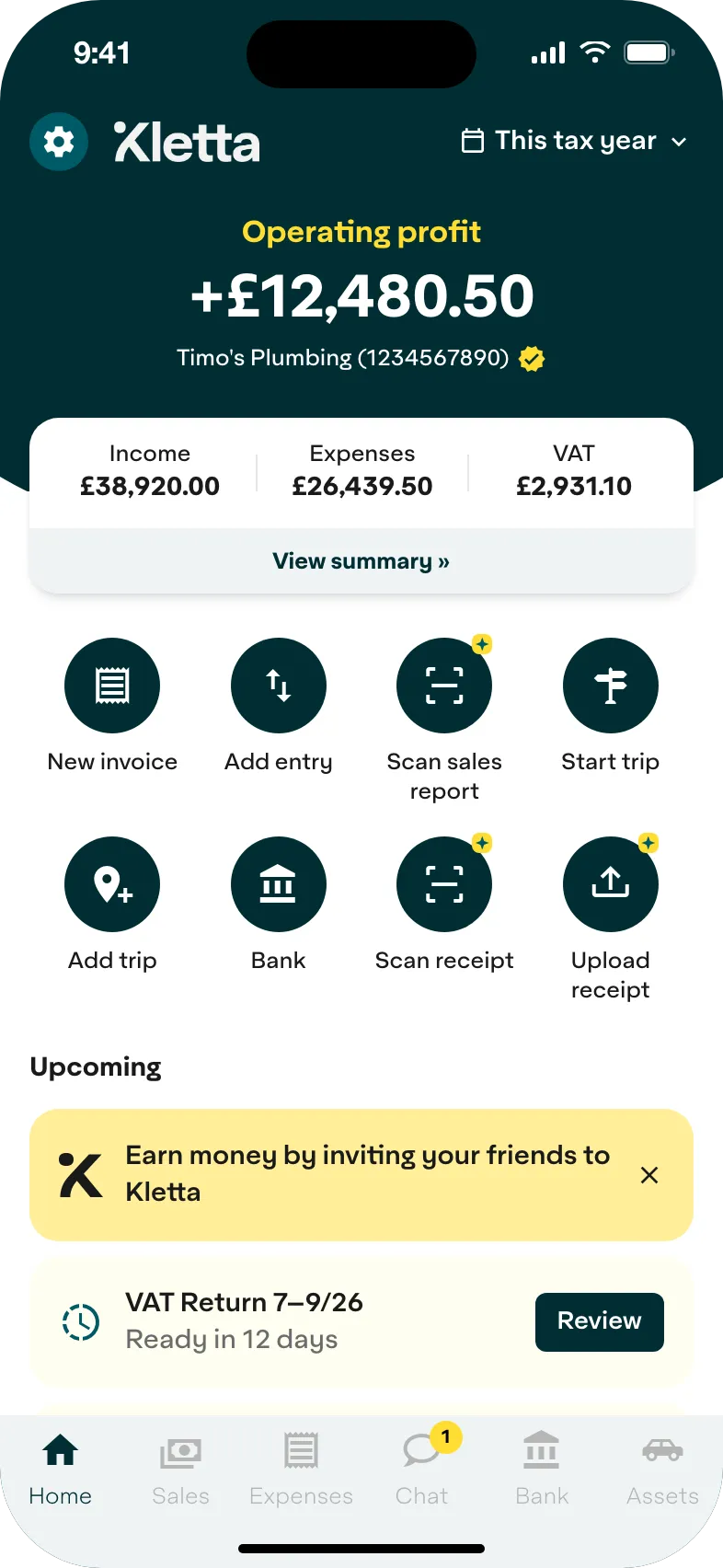
In Kletta you create the quote on your phone, turn it into an invoice with one tap and choose the CIS rate (20%, 30% or 0%). The invoice shows the gross amount, the deduction and your net pay. The deductions are recorded for you to check against your monthly statements, and you see an estimate of your tax bill after the CIS already taken.
Mileage and receipts
Driving between sites adds up. An app that logs your business mileage and stores a photo of each receipt saves you rebuilding them from memory later. Take a photo of the builders’ merchant receipt when you buy, and the app reads the details.
The simplified mileage rates on GOV.UK for cars and vans are:
- 2026/27: 55p a mile for the first 10,000 business miles, then 25p a mile. Motorcycles are 24p a mile.
- 2025/26: 45p a mile for the first 10,000 business miles, then 25p a mile. This is the rate for the tax return due on 31 January 2027.
You cannot claim mileage rates and actual running costs for the same vehicle, so pick one method for each vehicle.
Making Tax Digital for subcontractors
Making Tax Digital for Income Tax has applied since 6 April 2026 if your gross income from self-employment and property was over £50,000 on your 2024/25 tax return. The threshold falls to £30,000 from April 2027 and £20,000 from April 2028 (GOV.UK).
If it applies to you, you keep digital records and send HMRC a quarterly update by 7 August, 7 November, 7 February and 7 May. You then send your tax return by 31 January as before. All of it goes through software that works with Making Tax Digital. If you are below the threshold, you still send a Self Assessment tax return by 31 January.
CIS and contractor invoicing: common questions
What is the difference between a contractor and a subcontractor?
A contractor pays others to do construction work and deducts CIS from their payments. A subcontractor is the person being paid under deduction. Most electricians, plumbers, joiners and plasterers who work for a main contractor are subcontractors.
How do I check and claim back my CIS deductions?
CIS deductions count as advance payments towards your tax and National Insurance bill. On your tax return, you enter your total pay before deductions as income and the deductions as CIS deductions. HMRC works out your tax, takes off the deductions and refunds anything extra (GOV.UK). Keep your monthly statements to back it up.
Does Making Tax Digital apply to me as a subcontractor?
Only if your gross income from self-employment and property is over the threshold: £50,000 from April 2026, £30,000 from April 2027 and £20,000 from April 2028. For 2026/27, HMRC looks at your 2024/25 tax return.
Kletta is HMRC-recognised Making Tax Digital software for sole traders. Keeping your books and building your tax return is free. You pay only when you’re ready to send to HMRC (see pricing). Not in Making Tax Digital yet? Get Kletta Duo free until your first Making Tax Digital deadline.