Yes, you can still use a spreadsheet for Making Tax Digital for Income Tax. You keep your records in the spreadsheet and use bridging software to send the figures to HMRC. Bridging software is a permanent, HMRC-accepted way to meet the rules, not a stopgap. The question is whether it is less work than an app.
Who needs to change anything
Making Tax Digital for Income Tax applies to sole traders and landlords whose gross income from self-employment and property is over:
- £50,000 from April 2026 (HMRC looks at your 2024/25 tax return)
- £30,000 from April 2027
- £20,000 from April 2028
If you are below the threshold, nothing changes yet. You keep sending a Self Assessment tax return by 31 January. If you are in Making Tax Digital, you send four quarterly updates a year and your tax return, all from software that works with Making Tax Digital (GOV.UK). HMRC has no online service where you can type in quarterly figures yourself.
What is allowed with a spreadsheet
A spreadsheet counts as a digital record. The rule that catches people out is the digital link. If your figures move from one program to another, the transfer has to be digital: an export, an import or a direct connection. Copying and pasting by hand, or retyping totals from your spreadsheet into other software, is not allowed.
So the set-up that works is a spreadsheet plus bridging software. The bridging software reads the figures from your spreadsheet and sends them to HMRC as your quarterly updates and tax return. You can find software that works with Making Tax Digital on GOV.UK.
If you do not keep the required digital records, including the digital links between programs, HMRC can charge a penalty of up to £3,000. For 2026/27, HMRC is not giving penalty points for late quarterly updates. Points start from 2027/28 (GOV.UK).
Spreadsheet plus bridging software vs an app: what is less work?
| Spreadsheet plus bridging software | Bookkeeping app | |
|---|---|---|
| Entering transactions | You type or paste every one | You can connect your bank account and import transactions |
| Receipts | Kept separately, in a folder or on your phone | Photographed and linked to the transaction |
| Sending to HMRC | The bridging software sends your quarterly updates and tax return | The app sends them |
| Tax estimate | You build your own formulas | A running estimate as you record |
| Cost | The spreadsheet is free, but the bridging software usually has its own price | Depends on the app, so compare prices |
A spreadsheet can be the right choice if you already have one that works, you have few transactions and you are comfortable with formulas. Add up the cost of the bridging software before you assume it is cheaper.
An app tends to win when you have many small transactions, a lot of receipts or several income streams, because nothing has to be typed in by hand.
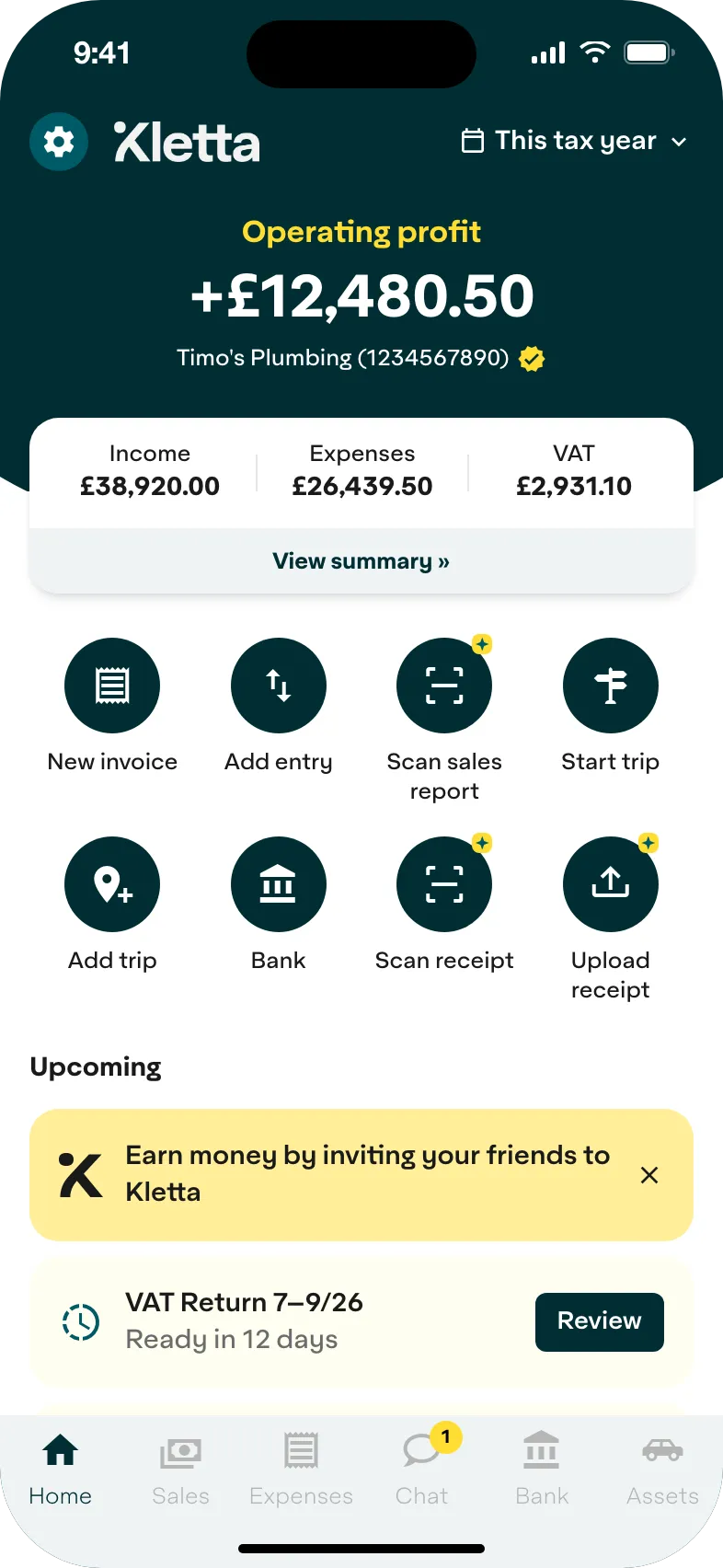
Kletta is one such app. You connect your bank account, photograph receipts and see a running estimate of your tax bill as you record. If you have rental income, you need Duo or Care.
How to move from a spreadsheet to an app
- Tidy your current sheet. Check your 2025/26 records first. Your 2025/26 tax return is due on 31 January 2027, and its figures decide whether you join Making Tax Digital from April 2027. If you are already in, your 2026/27 records are the ones your quarterly updates come from. Sort your expenses into categories such as travel, office costs and stock.
- Export your data. Save your sheet as a CSV file and check whether the software can import it, so your history comes across without retyping.
- Set up your digital links. If you keep using Excel for calculations, the data must reach your Making Tax Digital software by an import or a direct connection, never by retyping.
Kletta is HMRC-recognised Making Tax Digital software for sole traders. Keeping your books and building your tax return is free. You pay only when you’re ready to send to HMRC (see pricing). Not in Making Tax Digital yet? Get Kletta Duo free until your first Making Tax Digital deadline.