If you send invoices from one app and keep your books in a spreadsheet or a second app, every sale gets recorded twice. A self-employed invoice app that is also your bookkeeping app removes the second step, and with it a common source of mistakes.
The problem with separate tools
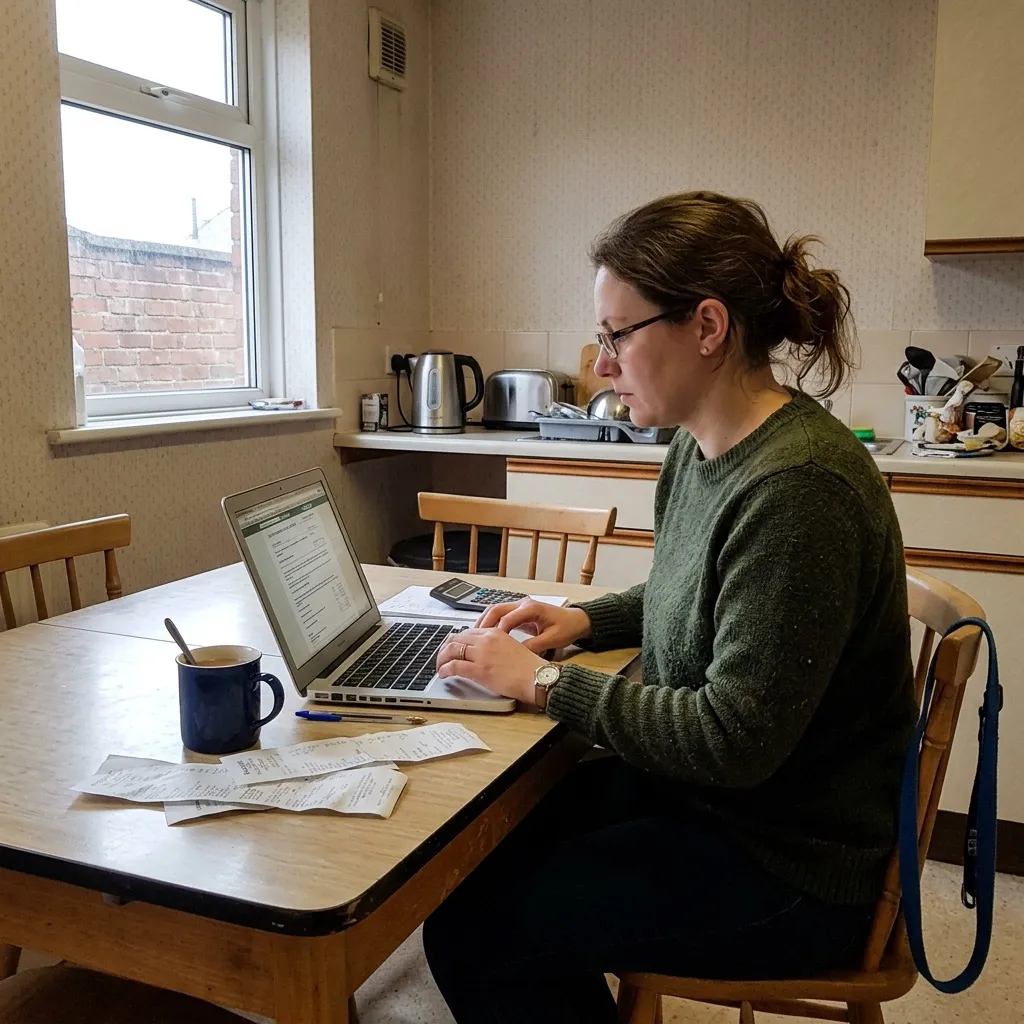
Many sole traders use one tool to invoice and another for their accounts. That leaves a gap between them, and you fill it by hand. Copying details from your invoices into your records leads to three problems:
- Mistakes: typing the wrong amount or customer, or forgetting an invoice altogether.
- Doing the work twice: every invoice is entered once to send it and again to record it.
- Digital link rules: if Making Tax Digital applies to you, you cannot copy figures by hand from one program to another. If your records move between programs, the transfer has to be digital: an export, an import or a direct connection.
Making Tax Digital for Income Tax applies if your gross income from self-employment and property was over £50,000 on your 2024/25 tax return. The threshold falls to £30,000 from April 2027 and £20,000 from April 2028. If you are in it, one app for invoices and books means you do not have to think about digital links between products at all.
What changes when invoices and books are in one place
- Invoices are quick to make. You pick the customer, add what you did and send it from your phone, rather than building each invoice from scratch in Word or Excel.
- The invoice is already in your books. There is no exporting or importing, and nothing to copy across.
- Receipts are recorded as you spend. In Kletta you photograph a receipt when you buy something, and the app suggests a category. You check it and move on.
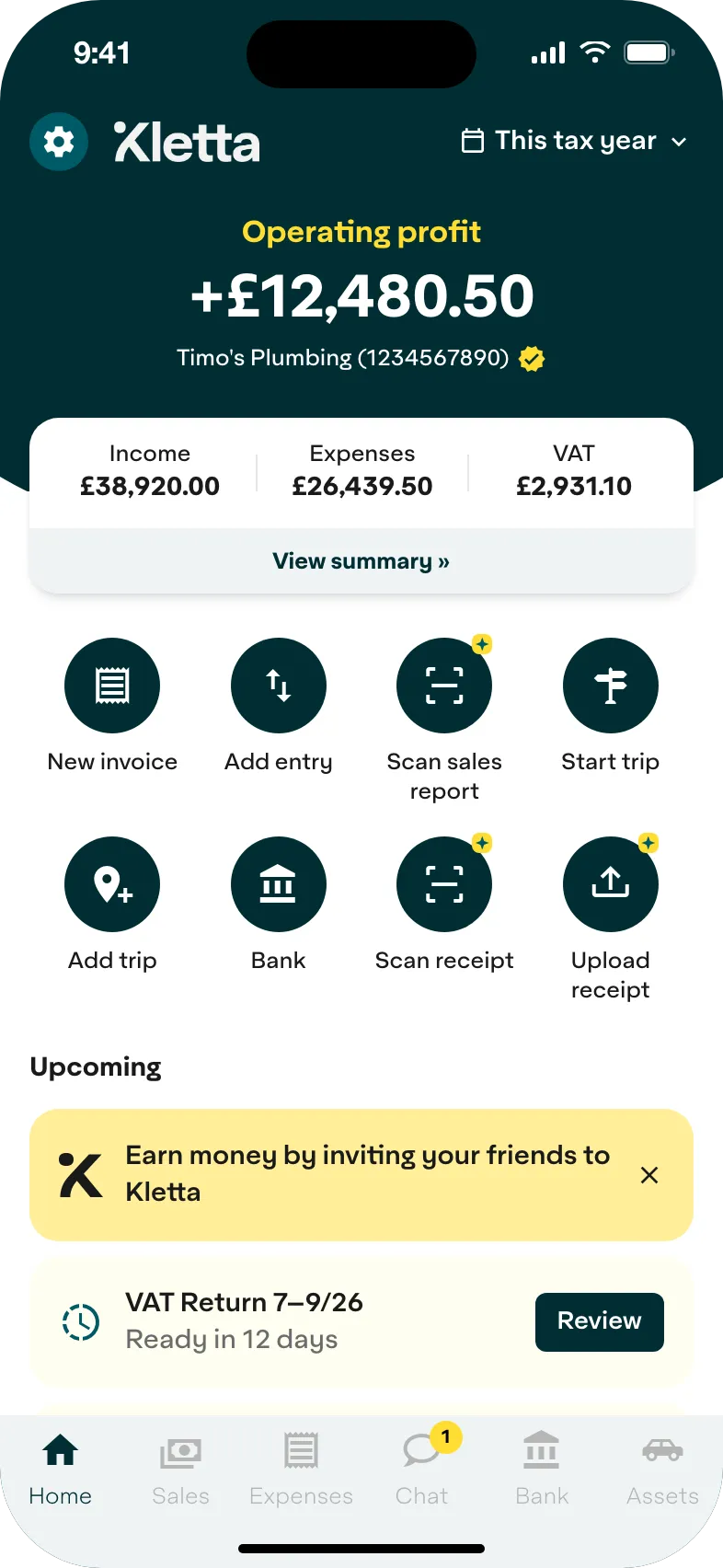
- You see where you stand. Income, expenses and an estimated tax bill sit on one screen, so you are not working out your profit with a calculator.
- Your tax return is ready when you are. Your records are sorted all year, so building your return before 31 January does not mean going through a year of paperwork.
What goes to HMRC
Your invoices and receipts add up to the income and expense totals in your records. If Making Tax Digital applies to you, those totals are what you send to HMRC in each quarterly update, by 7 August, 7 November, 7 February and 7 May. Your tax return follows by 31 January. You check the figures and send them yourself.
Below the threshold, you still send a Self Assessment tax return by 31 January, and the same records feed it.
Kletta is HMRC-recognised Making Tax Digital software for sole traders. Keeping your books and building your tax return is free. You pay only when you’re ready to send to HMRC (see pricing). Not in Making Tax Digital yet? Get Kletta Duo free until your first Making Tax Digital deadline.