Receipts
Receipt scanning
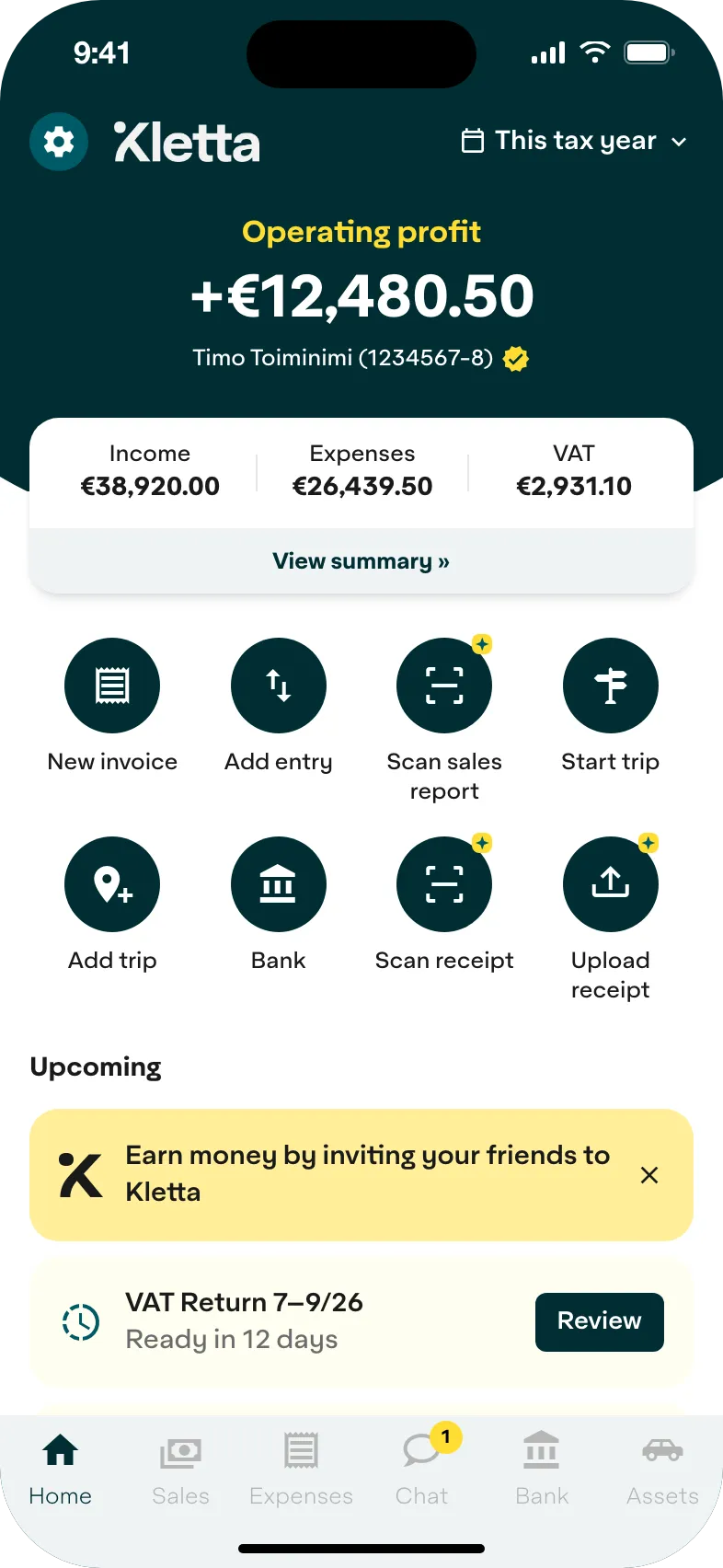
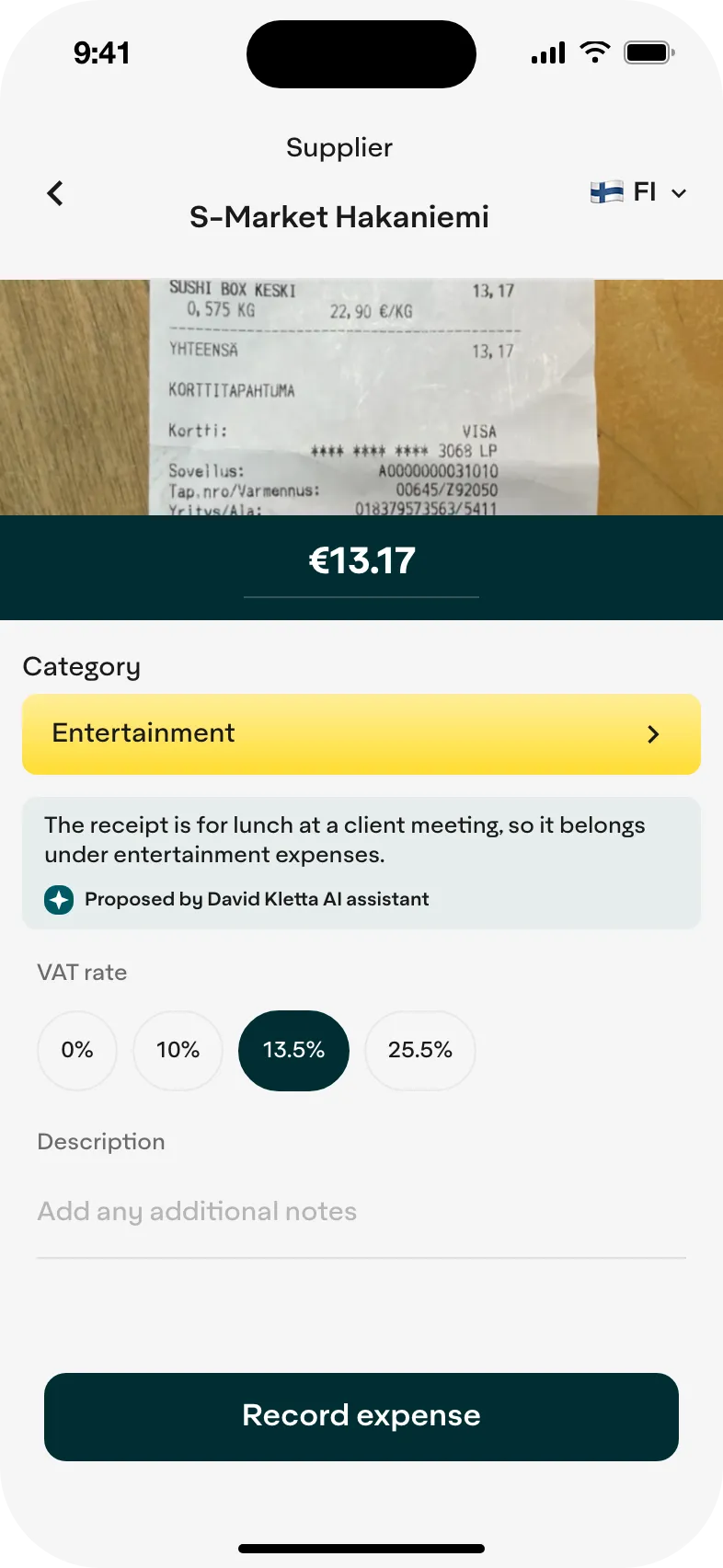
Snap a receipt or upload one from your camera roll, and it goes straight into your books. Kletta reads the amount, seller, VAT and expense category; you just check it.
- Unlimited receipt scanning
- AI reads the details
- Stored digitally
How to add a receipt
- 1
Snap
Take a photo of the receipt or pick one from your camera roll.
- 2
Check
Kletta picks out the amount, seller, VAT and category for you to review.
- 3
Save
The expense is booked into your accounts and VAT return, and the receipt is kept.
AI does the data entry
Details read from the photo
The amount, seller, items bought and VAT are recognised automatically.
Category suggested
AI suggests the right expense category, and you can change it if needed.
Mistakes caught early
If you can’t deduct VAT on a purchase, Kletta leaves it out.
Every receipt kept
Your receipts stay in Kletta, so you can find them later.
Once the receipt is saved
Expenses and VAT up to date
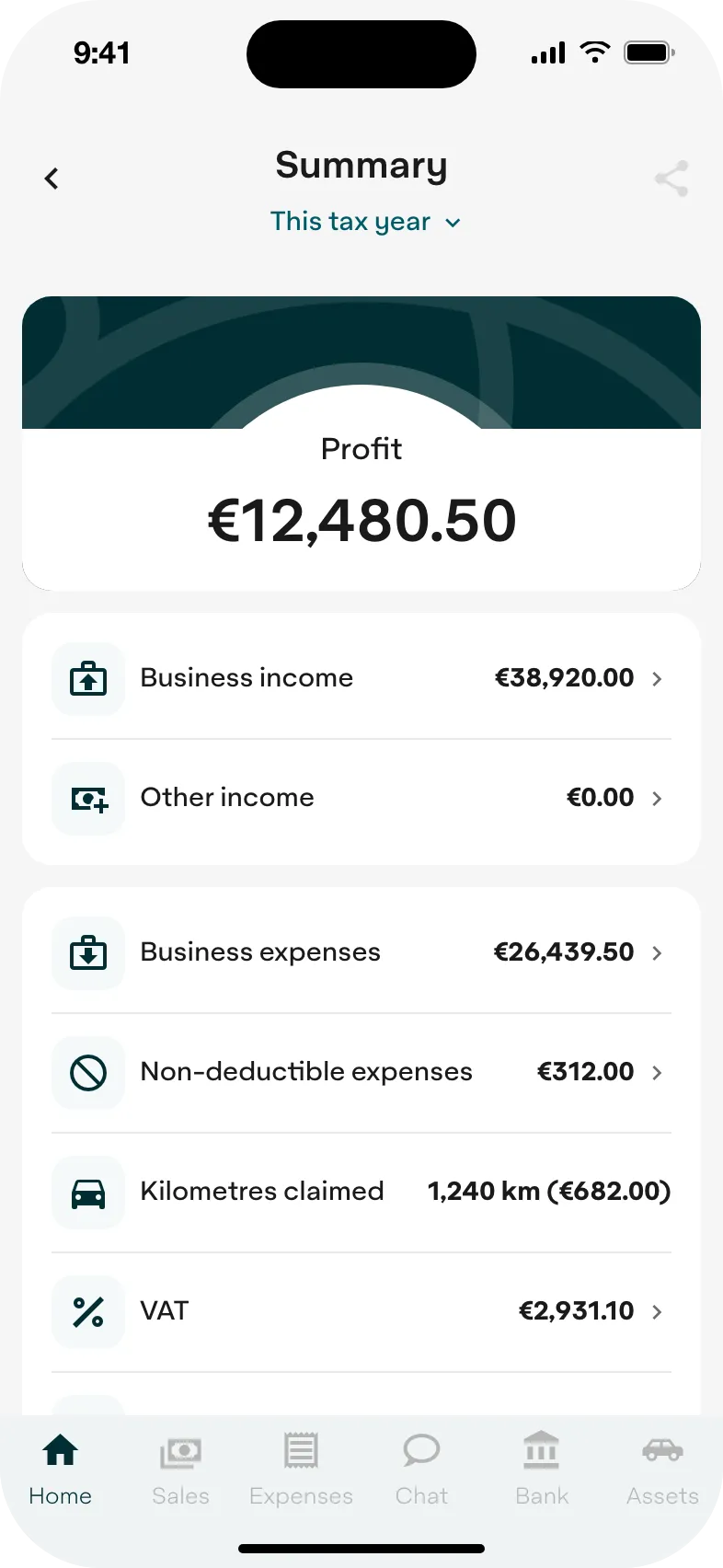
Every receipt updates your result and VAT right away, and your expenses flow into your VAT and tax returns.
- Your result updates in real time
- Deductible VAT calculated
- Expenses included in your tax return
I was used to doing my own bookkeeping in Excel, but Kletta was affordable and came with invoicing too – it was a no-brainer.
Would you like us to call you?
Leave your details and one of our specialists will call you and go through how Kletta fits your business.
- Free
- No commitment
- Answers to your questions
Thanks, we’ve got your details. We’ll call you soon.
Rather chat? Chat and support

Could you give me a call?
Of course! Leave your number and we'll call.
Explore the other features
Invoicing
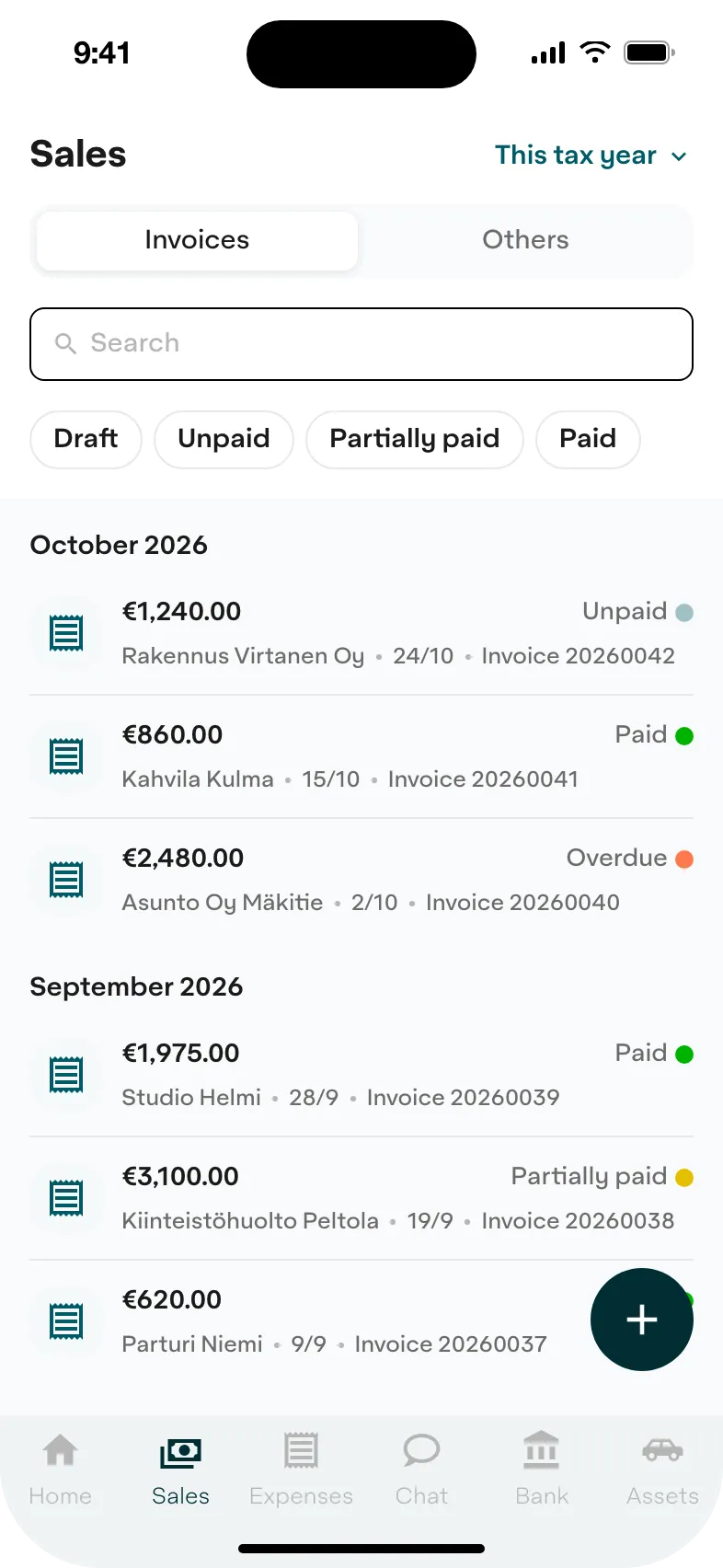
Send an invoice by email or as an e-invoice in under a minute. When your customer pays, Kletta marks the invoice as paid.
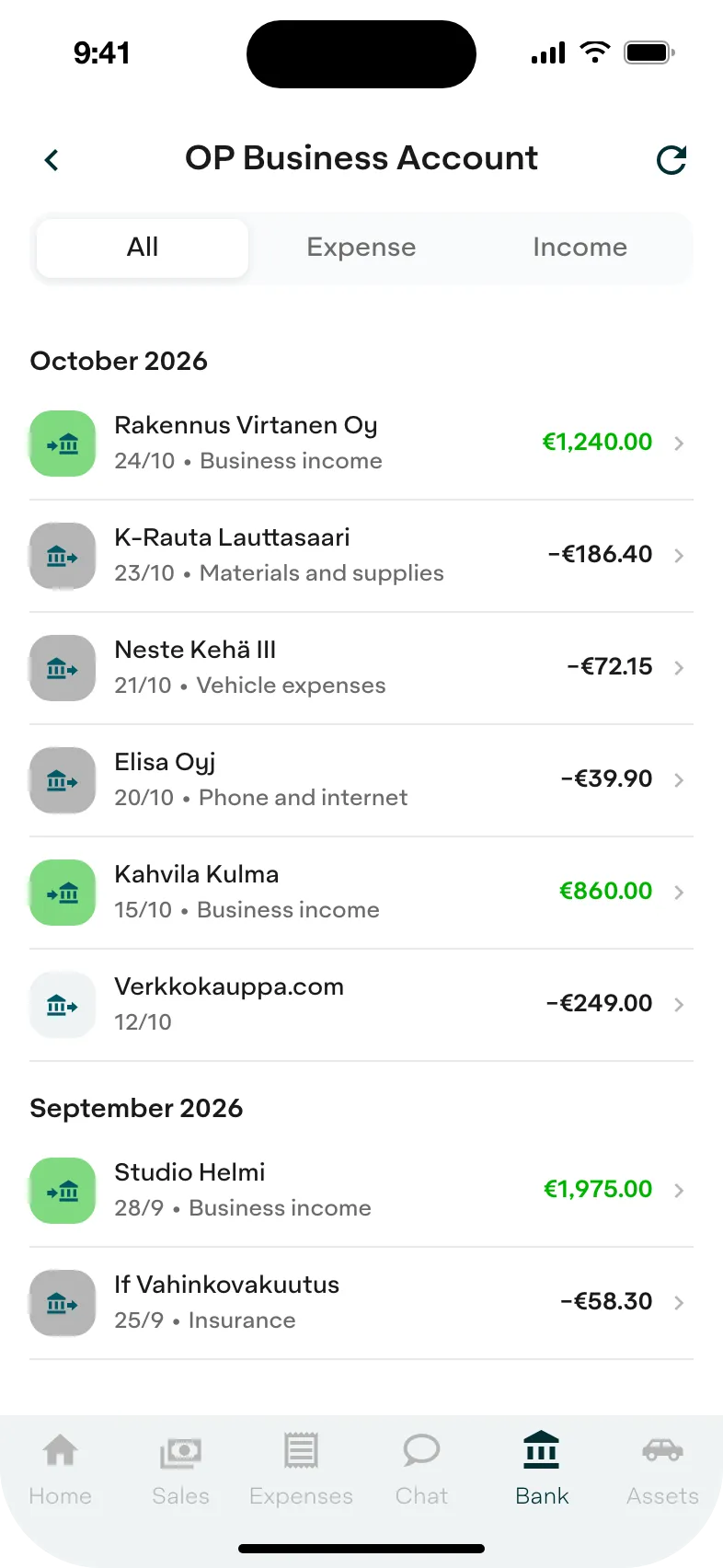
Bank connection
Connect your bank account and Kletta links each transaction to the right receipt or invoice.
VAT and taxes
Kletta calculates your VAT and tax prepayments and sends your VAT returns to the Tax Administration.
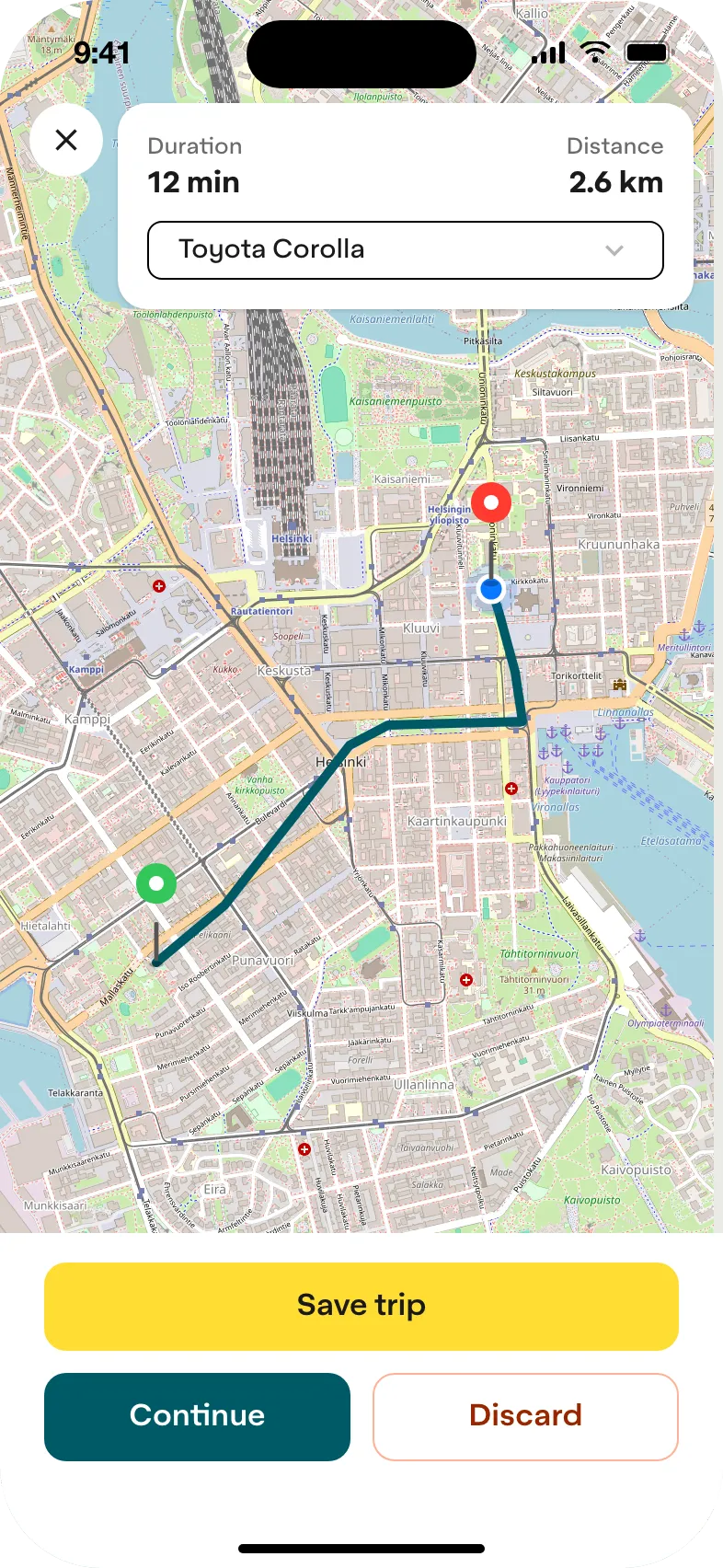
Driving log
Start a trip, drive and save. Kilometre and daily allowances are booked automatically.
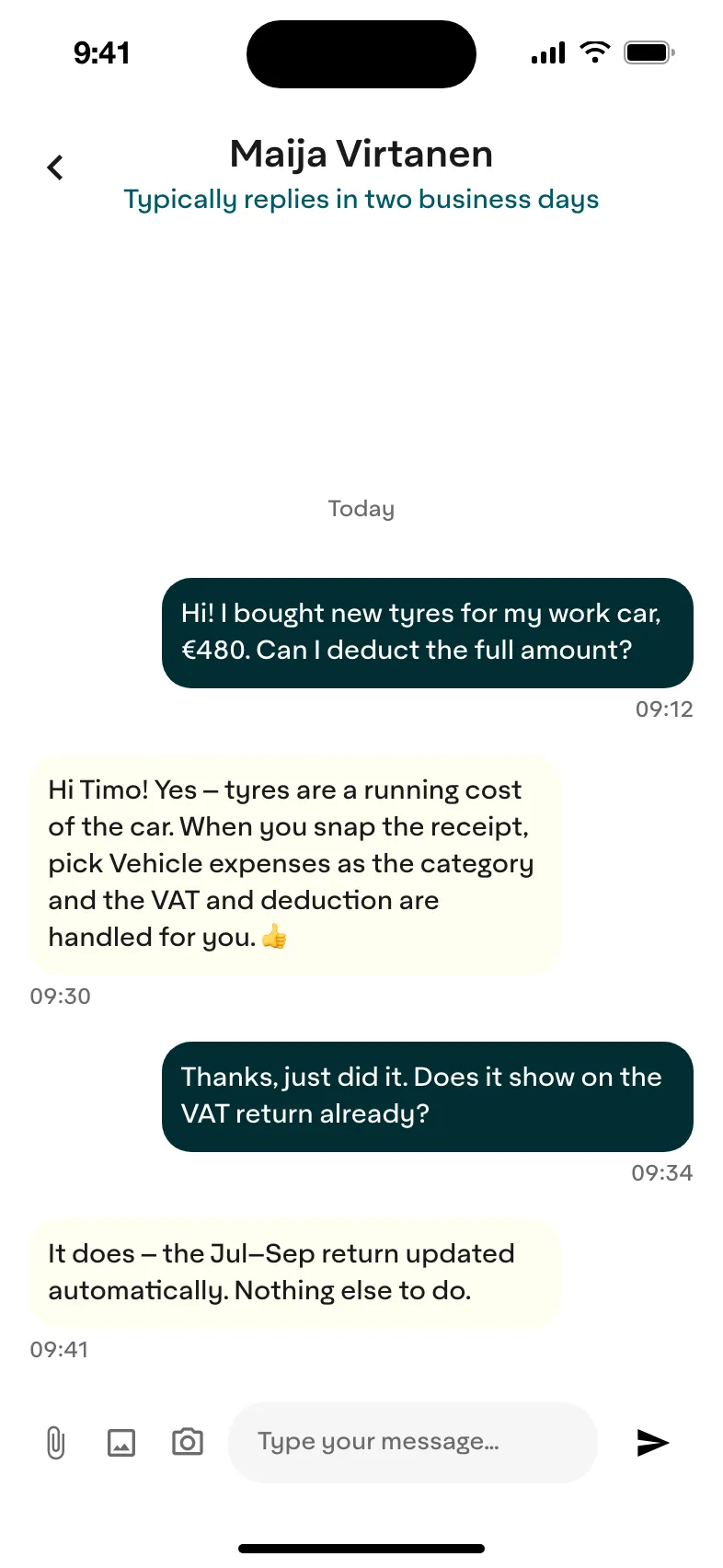
Chat and support
Ask anything. AI answers straight away, and an expert replies in the chat.
Frequently asked questions about receipts
How does receipt scanning work in Kletta?
Take a photo of the receipt or upload one from your camera roll. Kletta recognises the amount, seller, items bought, VAT and expense category, and you check the details and save.
Do I need to check the details before saving?
Yes. You see the details in a preview before they are booked, and you can correct or add to them.
Can I add a digital receipt?
Yes. You can upload a receipt image from your camera roll or photo library, so you don’t have to snap it on the spot.
How accurately does the AI read a receipt?
Kletta reads receipts with AI and image recognition. It also checks the expense category and leaves out the VAT deduction on purchases where it isn’t allowed.
How long do I need to keep receipts?
Under the Finnish Accounting Act, vouchers such as receipts are kept for at least six years from the end of the year in which the financial period ended. Bookkeeping records may be kept electronically, and the receipts you add to Kletta stay stored in the app.
How many receipts can I scan?
As many as you like. Receipt scanning is included in every plan, Solo too.